


Trade fair marketing
Make use of our free promotional materials to effectively promote your participation in the trade fair, invite customers and attract more visitors to your stand.
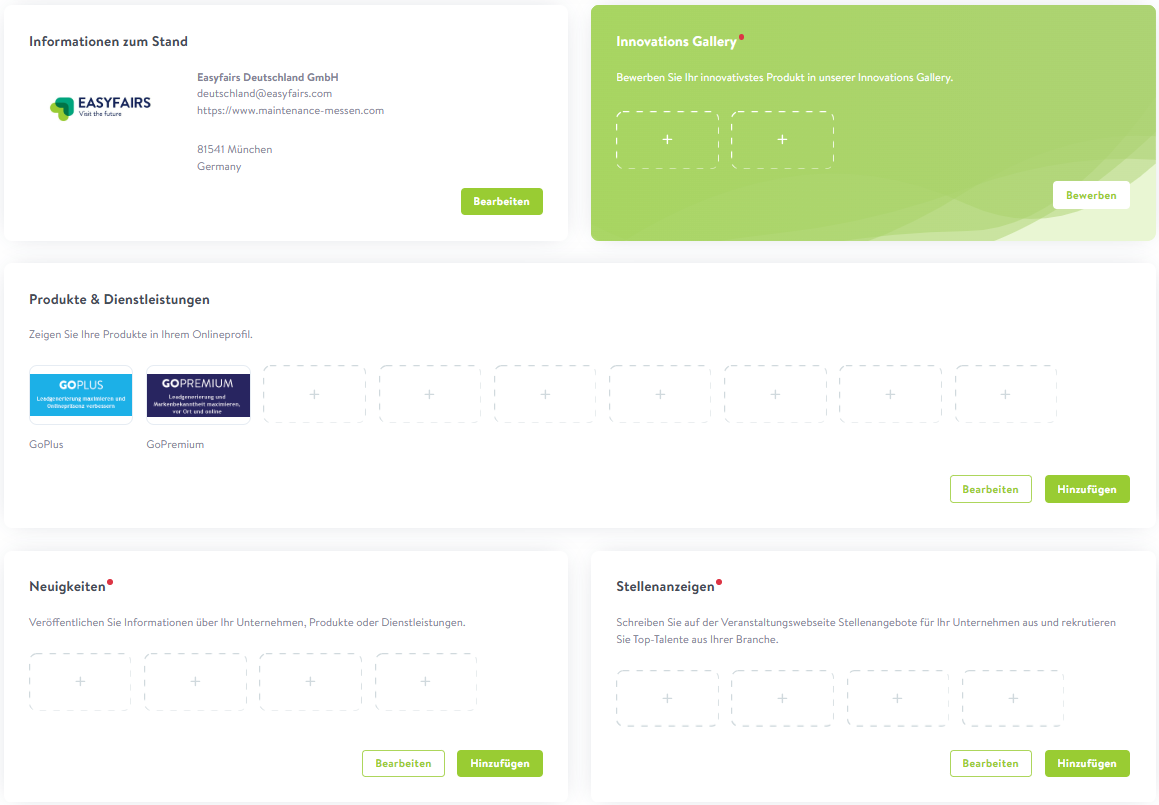
1. Company profile on MyEasyfairs
Set up your profile on MyEasyfairs and boost your company’s visibility.
MyEasyfairs is your central service portal: here you can update your company details, invite your contacts to visit the trade fair for free via personalised invitation links, and download your leads after the event. By featuring your logo, concise descriptions of your products and services, and details of your innovations, you’ll significantly boost your visibility. Your details will appear in the exhibitor list on the trade fair website and in the trade fair app. This information will also be shared with trade visitors when they use the Smart Badge readers.
2. Company-specific invitation link
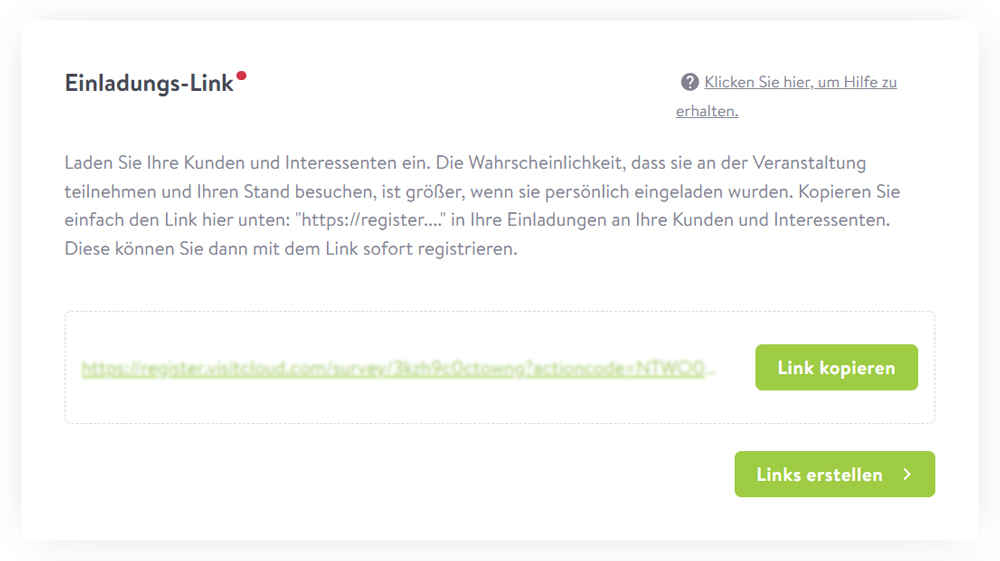
Invite your customers to attend the trade fair for free using your personal invitation link.
All visitors who register via your link will automatically be added to your MyEasyfairs profile – ideal for making contact early on, as well as for preparing for and following up on the trade fair. Your invitation links can be used as often as you like and are free of charge for both you and your visitors. Use our free templates on this website to embed your personal invitation link easily and hassle-free.
Where can I find my personal invitation link?
Open the MyEasyfairs service portal and select the ‘Invite leads & customers’ tab. In the ‘Invitation link’ section, you’ll find your standard invitation link and can create further links if required.
3. Personalised invitation banners
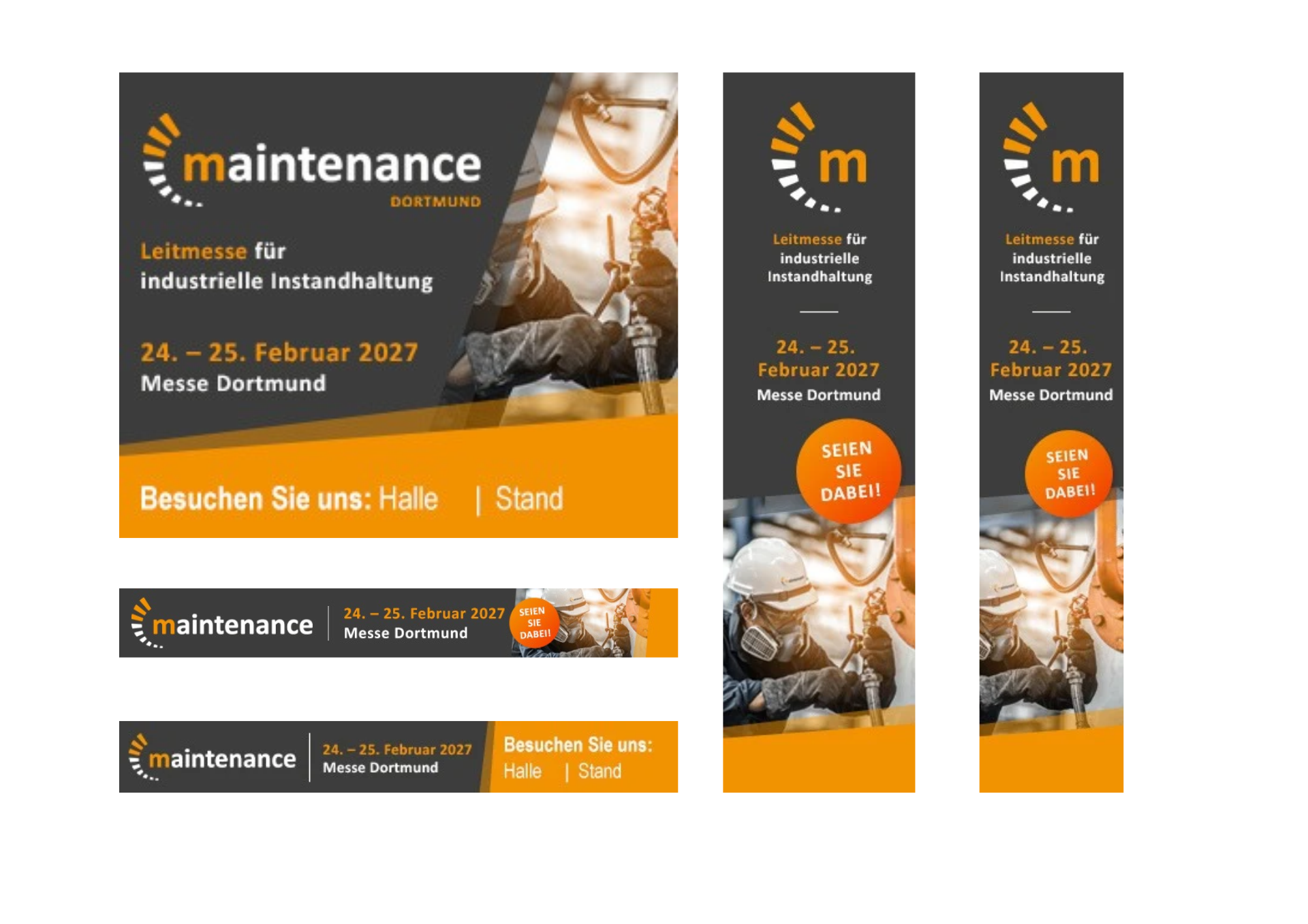
Create customised banners featuring your stand number – perfect for your website, email signatures and social media.
The templates can be customised in just a few clicks: select a format, enter your stand number, then download the banner.
Tip: Always include your invitation link with the banners to make it easier for your customers to register.
4. Trade fair logos & banners
Please use the official logos and banners of the trade fair for print and digital materials, email footers and other applications. Available in various versions, formats and sizes.
5. Social media & communication templates
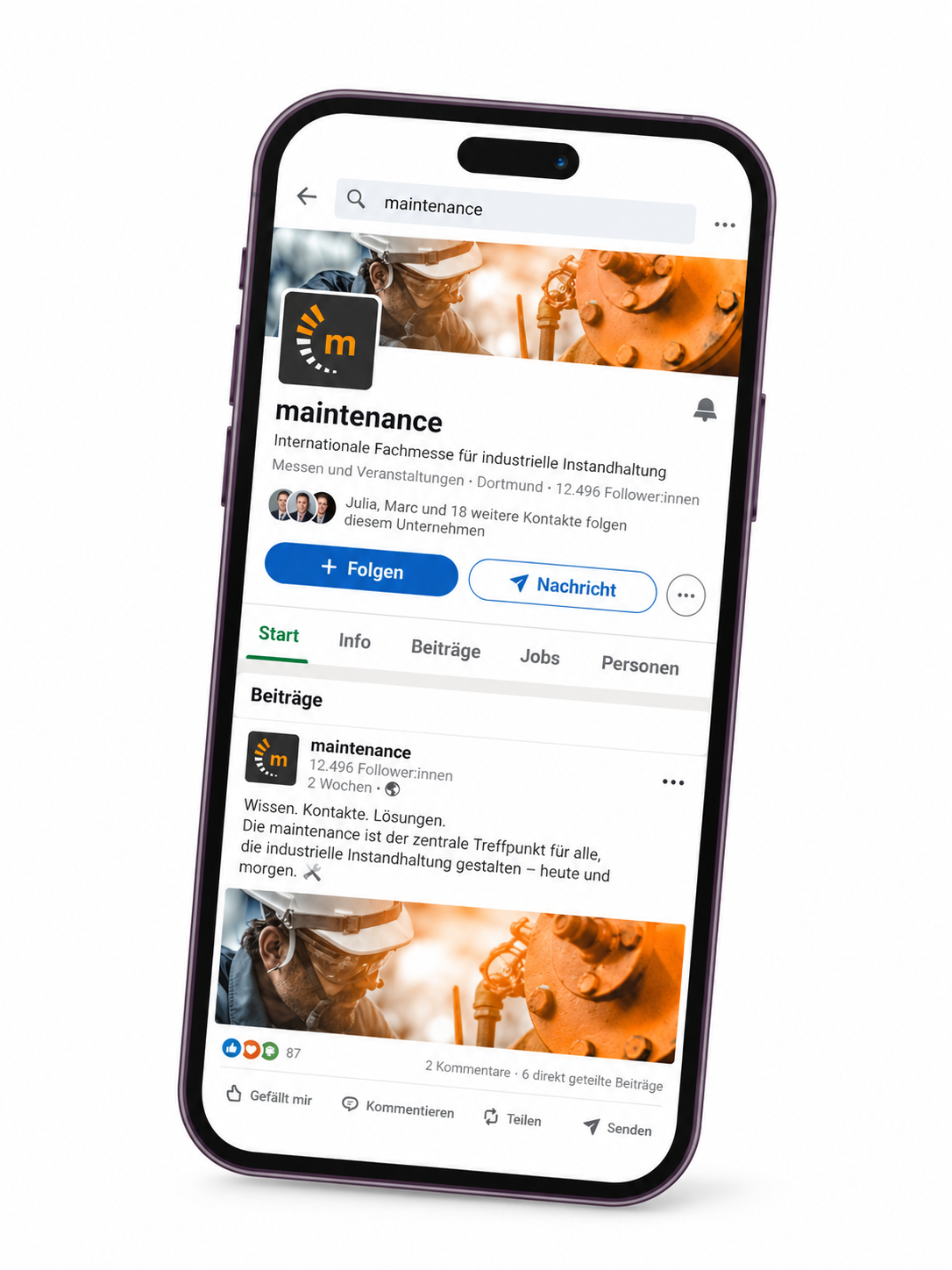
Promote your participation in the trade fair – on LinkedIn and other channels.
Use your social media channels to publicise your participation in the trade fair and invite your customers. Tag the trade fair in your own posts and like, comment on or share trade fair posts. This will increase your reach and boost the visibility of the trade fair.
Tip: Comment on trade fair posts with “We’ll be there!” or share posts along with your personal invitation link.
Sample texts, graphic templates and hashtags
Use our ready-made text and graphic templates to invite your contacts to the trade fair via email or social media.
Use the following hashtags to increase the reach of your posts:
#maintenancedortmund #maintenance #tradefair #dortmund
6. Personalise the reader inlay
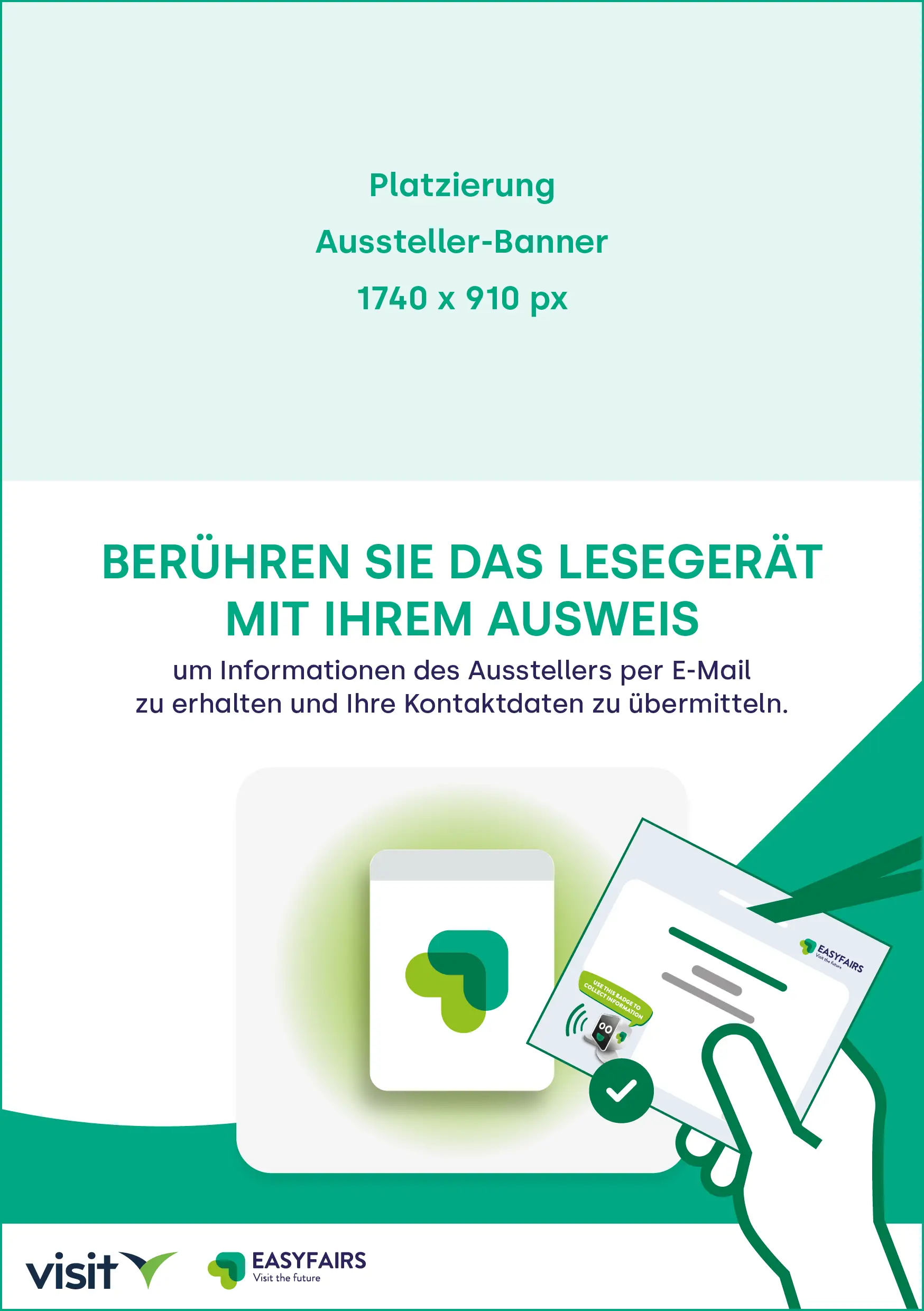
Customise the inlay (insert) for the reader(s) at your stand with a bespoke graphic. This allows the devices to be clearly associated with your company or a specific product, whilst simultaneously boosting the visibility and impact of your branding.
All you need is a graphic with dimensions of 1740x910px, which you can insert into the inlay graphic using the generator.
The banner is automatically placed above the insert and the graphic can be downloaded. Finally, you simply need to print out the graphic, cut it out and place the insert into the Smart Badge stand on site.
8. Messefotos & Videos
Setzen Sie Messeimpressionen und Videos der Messe ein, um Ihren Kunden authentisch zu zeigen, was sie erwartet – aufmerksamkeitsstark und wirkungsvoll.
Tipp: Achten Sie bei der Verwendung von Bildern und Videos auf die Nutzungsrechte und geben Sie die Quelle bzw. den Urheber wie vorgegeben an.